Free Image Rotator — Online, Private & Unlimited
または画像をここにドラッグ&ドロップ
Rotate any image online for free, with no limits and no signup.
100% free · Unlimited · No uploads · No watermark
Why This Image Rotator Is Different
Most free tools upload to servers and limit files. This one doesn't.
Your images never leave your browser. Rotating happens locally on your own device.
No limits, no signup. Rotate as many images as you want, as often as you want.
Rotate to any angle. Use one-click presets or drag the angle slider.
Flip and mirror in one place. Flip horizontally or vertically.
Straighten tilted photos. Nudge the angle to level a crooked horizon.
Keep your background. Choose transparent or solid color backgrounds.
No quality loss. Rotating by 90°, 180°, or 270° is lossless.
How to Rotate an Image Online
- Upload your image. Drag and drop a JPG, PNG, WebP, or GIF.
- Rotate or flip. Pick a preset or drag the slider.
- Download. Save your photo instantly in its original format.
No software to install, no plugin, no account — works in any browser.
ステップバイステップ チュートリアル:画像をオンラインで回転する方法(スクリーンショット付き)
この5ステップに従うことで、ソフトウェアなしにブラウザ上で画像の回転・反転・ミラーリングができます。
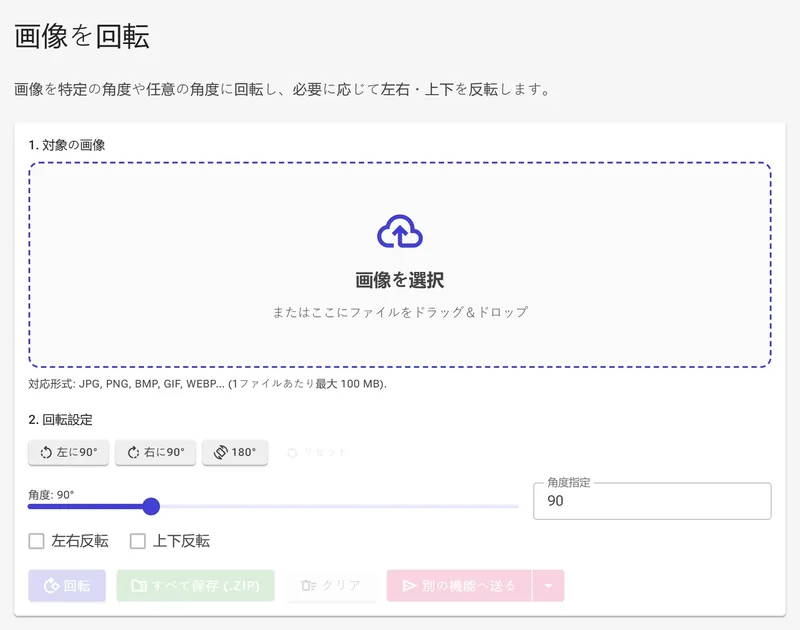
1画像をアップロードする
ファイルを画像を選択ゾーンにドラッグ&ドロップするか、クリックして参照してください。対応形式:JPG、PNG、BMP、GIF、WEBP(1ファイルあたり最大100 MB)。
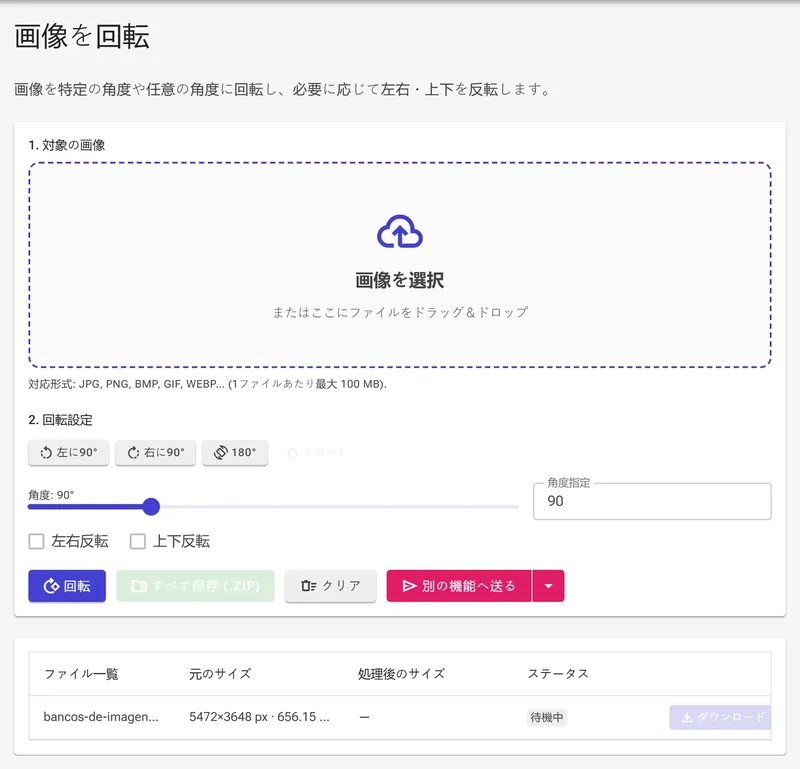
2クイック回転角度を選択する(90°・180°)
2. 回転設定の下にある左に90°、右に90°、または180°をクリックすると、1クリックで標準角度が設定されます。リセットで0°に戻せます。スライダーと度数入力は常に連動しています。
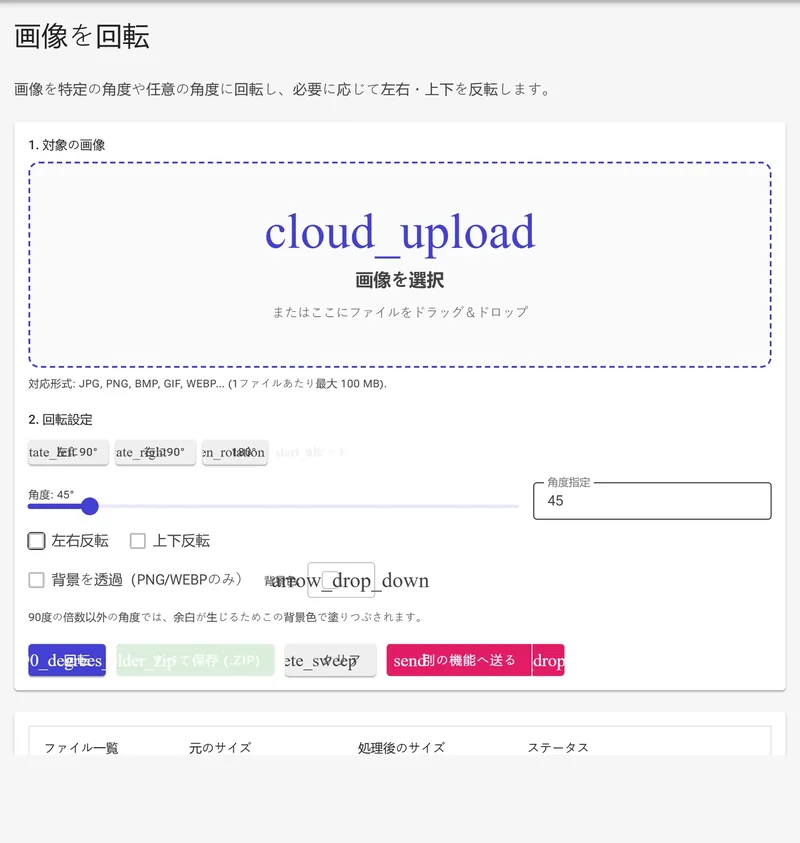
3任意の回転角度を自由に設定する
スライダーをドラッグするか、角度指定ボックスに0〜360の任意の値を入力します。90°の倍数でない角度では四隅に空白が生じます。背景を透過(PNG/WEBPのみ)を選ぶか、背景色で塗りつぶすことができます。
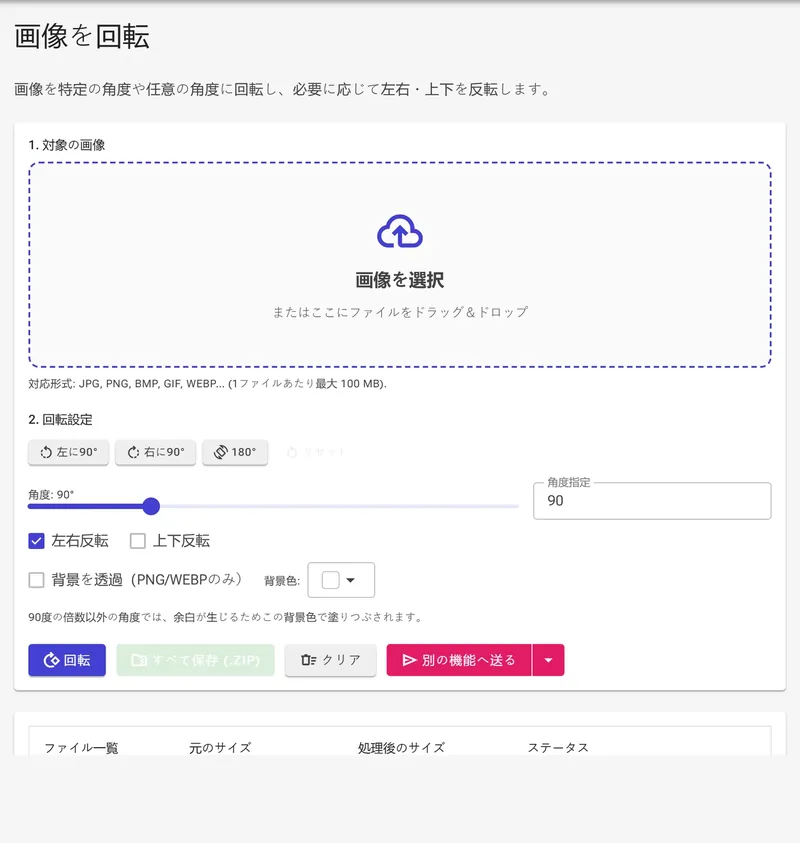
4左右反転・上下反転でミラーリングする
左右反転にチェックを入れると、画像が左右に反転します。上下反転では上下が逆になります。両方のチェックボックスは任意の回転角度と組み合わせて使用できます。
5回転ボタンをクリックしてダウンロードする
回転ボタンをクリックすると全画像が処理されます。処理完了後、結果グリッドに完了と新しいサイズが表示されます。各ファイルの保存をクリックするか、すべて保存(.zip)で一括ダウンロードできます。

Rotate, Flip, and Mirror for Anything
Fixing orientation is one of the most common photo edits:
- Fix sideways phone photos — rotate 90 degrees.
- Straighten crooked horizons — use precise 1-degree steps.
- Mirror selfies — flip an image horizontally.
- Social media — rotate and flip to fit layouts.
- Documents — turn scanned pages to correct orientation.
- Design — mirror or rotate graphics for layouts.
Rotate vs. Flip vs. Mirror
Rotating turns an image around its center point. Flipping reflects the image along an axis.