Convert BMP to JPG Online Instantly & Securely
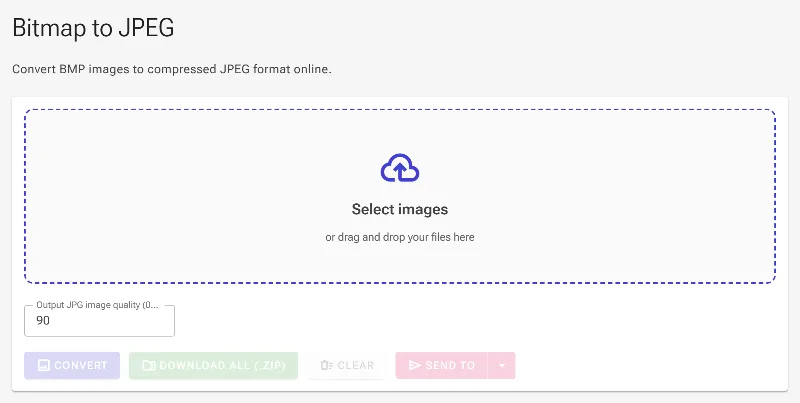
or drag and drop your images here
Transform heavy BMP bitmap images into highly-optimized JPEGs directly in your web browser. Image Studio runs entirely locally on your device, meaning your images are never uploaded to a server, ensuring absolute privacy. Enjoy unlimited, instant conversions with full control over your output quality and file size—completely free.
Why it's different
100% Private & Local Processing
Your images never leave your computer. Processing happens entirely within your browser, keeping your sensitive data safe.
Adjustable Quality & Compression
Use our precision slider (from 0 to 100) to perfectly balance image fidelity with file size reduction.
Completely Free with Zero Limits
No daily caps, no file size restrictions, no watermarks, and absolutely no registration or sign-up required.
Blazing Fast Performance
Because there are no file uploads or downloads from external servers, your BMP to JPG conversion happens instantly.
How to convert BMP to JPG
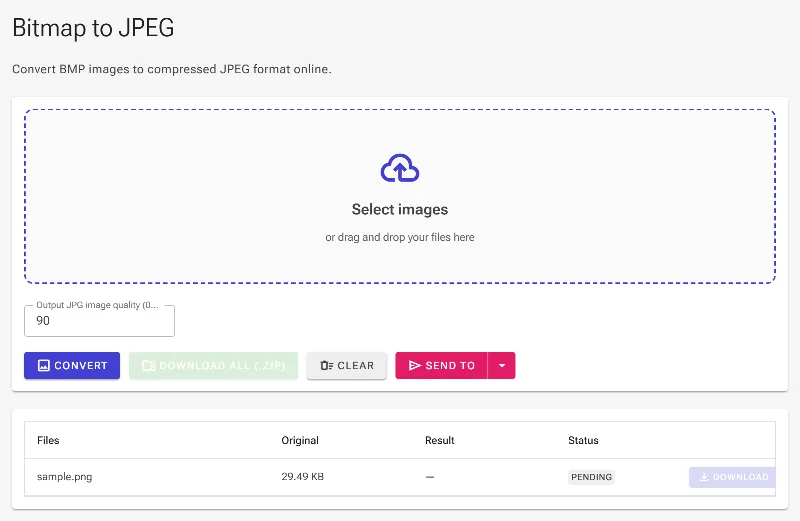
- Upload your BMP: Drag and drop your BMP file or click to select it from your device.
- Adjust the Quality: Use the slider (from 0 to 100) to select your desired JPEG compression level.
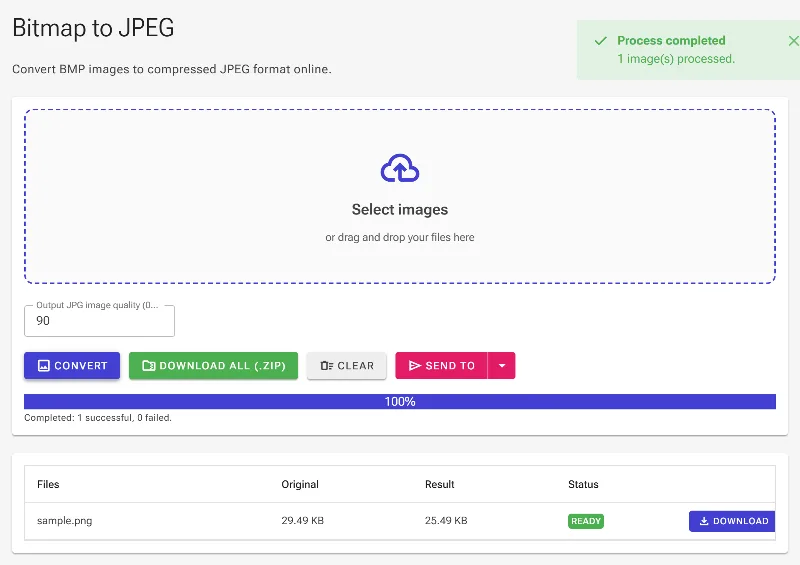
- Convert Instantly: Our local engine converts your bitmap to a JPEG in a fraction of a second.
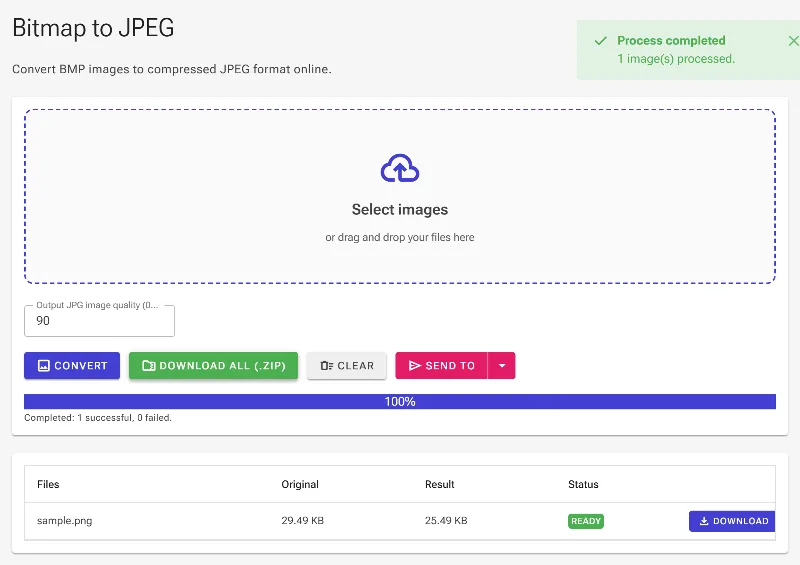
- Download Your JPEG: Save your newly optimized, lightweight JPG file directly to your system.
Use it for anything
Web Optimization
Compress massive BMP screenshots or legacy images into lightweight JPEGs for faster website loading speeds.
Storage Saving
Free up hard drive space by converting uncompressed bitmap graphics into highly compact JPG formats.
Easy Sharing
Convert platform-specific BMP files to universally compatible JPEGs for easy emailing, messaging, or social media sharing.
Experience the fastest, most secure way to convert bitmap files without compromising your privacy. Drag your BMP image in now to get started!
Frequently Asked Questions
How do I convert BMP to JPG without losing quality?
While JPEG is a lossy format, you can maintain maximum visual fidelity by setting our quality slider to 100. This ensures minimal compression while still generating a highly compatible JPEG file.
Is my data safe when using this BMP to JPEG converter?
Absolutely. Unlike other online converters, Image Studio processes your files locally inside your browser. Your images are never uploaded to our servers, keeping your data entirely private.
Why should I convert BMP to JPG?
BMP (Bitmap) files are uncompressed and extremely large, making them difficult to share or use on the web. JPG/JPEG files use smart compression to significantly reduce file size while maintaining excellent image quality, making them perfect for websites, emails, and social media.
Are there any file size limits or daily conversion caps?
No. Because all processing is done locally on your own computer, there are no file size limits, hourly caps, or subscription paywalls. You can convert as many images as you need, whenever you want.